Planning guide
Sketch the proposed display and the routes used by customers, test drives and vehicle deliveries. Give that sketch to the dealership manager and supplier so both can review the same location.
What to put in your brief
Start with the busiest part of the lot
Mark the customer entrance, test-drive return and delivery route on a current lot photo. Identify any space that needs to stay clear throughout the sale.
Show the display and its equipment
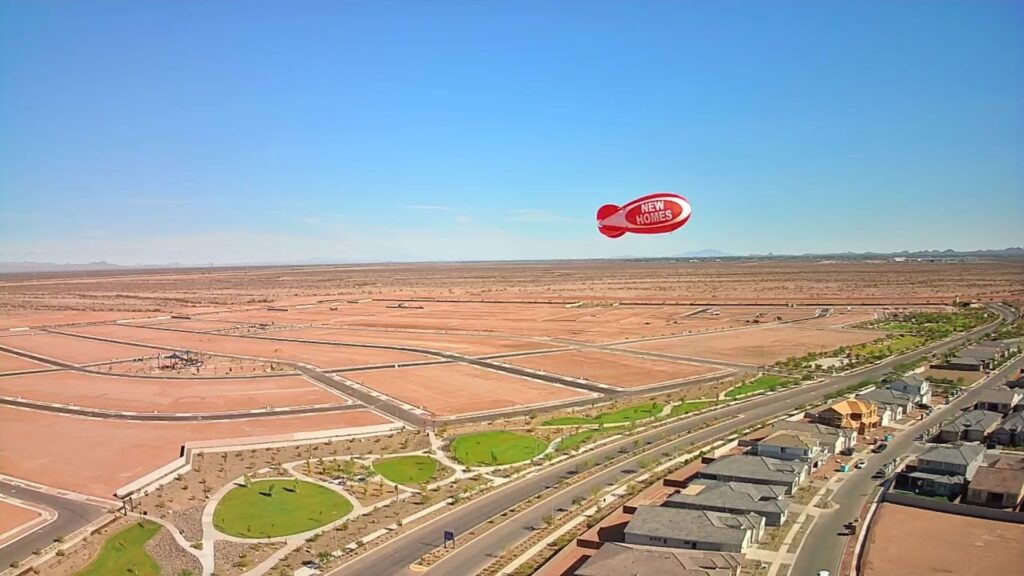
Arizona Balloon Company describes its advertising blimps as tethered helium displays. Ask the supplier to show where the equipment and proposed operating area would sit on your sketch.
Assign someone to handle lot changes
Name the manager who can review the layout and contact the supplier if the event moves. Keep a copy of the agreed layout with the event instructions.
Product reference checked November 13, 2026. Arizona Balloon Company’s advertising blimp guide. For site information, see our pricing page.
Interactive inquiry planner
Prepare your dealership lot review
Add the information you know. Review your note before copying it or opening an email draft.
This tool prepares text in your browser. It does not send a request, store your answers, calculate a price or reserve a display.
You can use this checklist without the planner and send an inquiry through our contact page.
Your prepared inquiry
Review these details before sharing them. Nothing has been sent.
If an email draft does not open in your mail app, copy the inquiry into an email or our contact form.
Before you send
The planner needs JavaScript to prepare text. Use the checklist above and contact us.
Frequently asked questions
What should I send with my inquiry?
Send a lot photo with the display, driveways and vehicle routes marked.
Can a site photo confirm the layout?
It helps the review. Ask the supplier and dealership manager to check the proposed location.
Should I mark customer parking?
Yes. Also mark areas where cars queue or turn during the sale.
What if deliveries share the entrance?
Include the delivery window and ask the dealership manager to review how it affects the layout.
What if the display moves during the sale?
Check the revised location with the dealership manager and supplier before moving it.
Does the planner approve the location?
It prepares a note you can share for review.
Discuss your display
Send the location, dates and details you want the supplier to confirm.